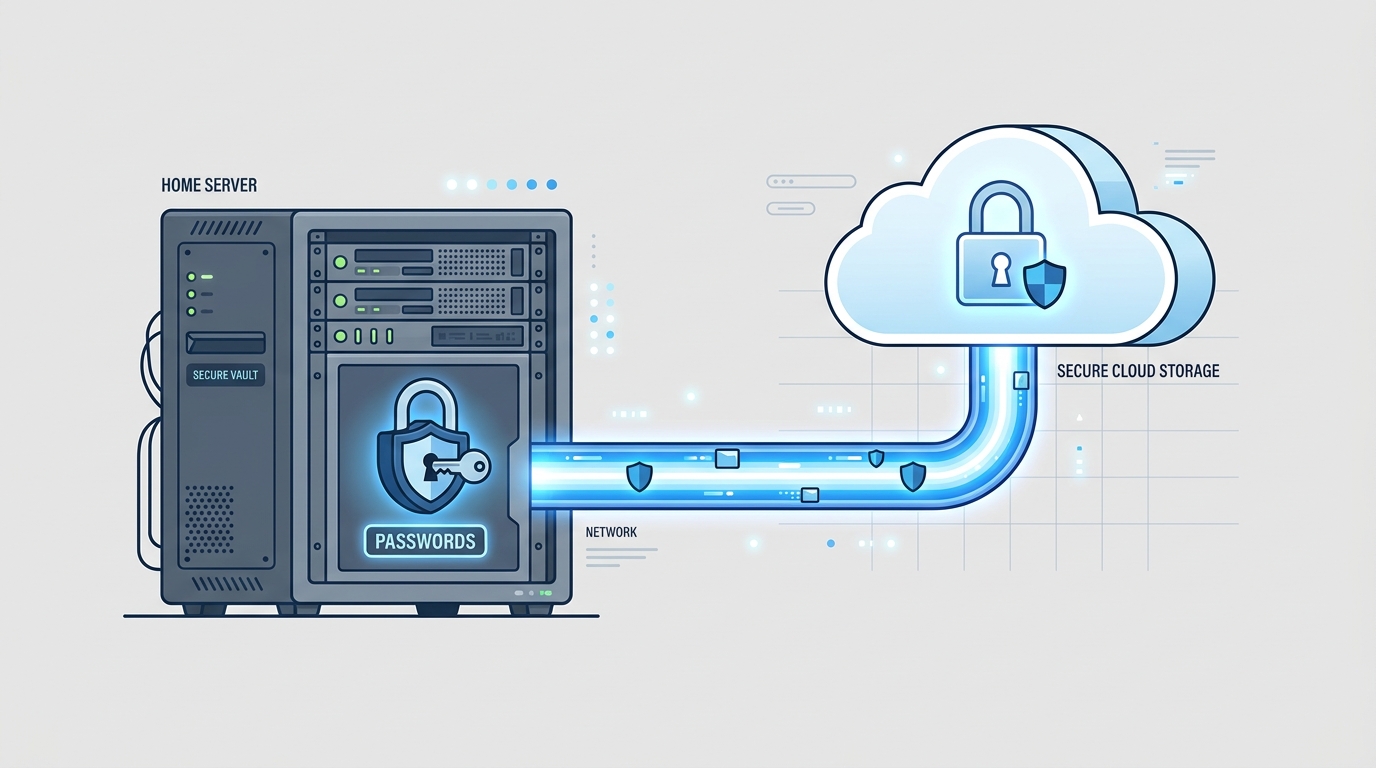
Every homelab eventually accumulates a small pile of services that quietly run other services. Vaultwarden is the one I’m least comfortable admitting I self-host, because when it’s down I can’t get into my email either. It’s been solid enough for long enough that I want to write down why I trust it, and what it took to get comfortable exposing it.
What Vaultwarden actually is
Vaultwarden started life as bitwarden_rs, a from-scratch Rust reimplementation of the Bitwarden server API. It’s not the official Bitwarden server, and it isn’t affiliated with Bitwarden the company. What it does is speak the same API the official clients expect, closely enough that the regular Bitwarden apps, browser extensions, and CLI all work against it unmodified. You install the normal Bitwarden app, change one setting (self-hosted server URL), and log in as if nothing happened.
The reason it exists at all is resource footprint. The official Bitwarden server is a .NET stack made of several services and a SQL Server dependency, reasonable for a company running it at scale, overkill for one person and a phone. Vaultwarden is a single Rust binary with SQLite as the default backend. The whole thing runs comfortably in a container with a fraction of the memory.
The setup
The container itself is unremarkable:
| |
Two details do most of the work here. First, SIGNUPS_ALLOWED=false. Once your own account exists, there’s no reason the registration endpoint should still be live. Anyone who finds the URL and tries to sign up gets told no, instead of getting a working account on your instance. Second, the port binding is 127.0.0.1:8081:80, not 0.0.0.0. The container doesn’t listen on the LAN at all. It’s reachable only from the same host, which matters for the next part.
Getting to it without opening a port
I don’t forward ports on my router for this, and I don’t want to. The path in is a Cloudflare Tunnel: a small daemon (cloudflared) running on the same server, holding an outbound-only connection to Cloudflare’s edge. There’s a config file mapping a hostname to a local address, in this case pass.example.dev to localhost:8081. Cloudflare terminates TLS and proxies the request in over that tunnel. From the internet’s perspective, my router has no open inbound ports for this at all, because it doesn’t need any.
That combination, loopback-only binding plus a tunnel doing the actual exposure, means the attack surface for “reach the container directly” is close to zero. The only way in is through Cloudflare’s edge, which has its own DDoS protection and access controls sitting in front of a service whose entire job is holding the keys to everything else.
The encryption model is the actual reason I trust this
Binding to loopback and hiding behind a tunnel is good hygiene, but it’s not the reason I’m willing to run my password vault on a box that also runs a blog’s cron jobs. The reason is that Vaultwarden, like Bitwarden, is a zero-knowledge design at the client level. Vault items get encrypted and decrypted entirely on the device, with a key derived from the master password through PBKDF2 or Argon2. The server only ever receives ciphertext blobs. It doesn’t get the master password either, only a separate hash used for authentication, which is not the same secret as the encryption key.
That means the honest answer to “what happens if someone breaks into your server” is: they get an encrypted SQLite file and nothing else. Not a great outcome, but a survivable one, provided the master password is actually strong and the encrypted blob doesn’t get paired with a weak password later. The server being compromised is not equivalent to the vault being compromised, which is the whole point of designing it this way instead of trusting the server to keep secrets it never had.
Living with being your own single point of failure
The uncomfortable part isn’t the crypto, it’s the operations. If the server is down, or the tunnel drops, or the NAS holding the data volume is being weird, I can’t fetch a new item and I can’t reset anything that depends on this vault, which by design is almost everything. Two things make that tolerable in practice. Bitwarden clients cache an encrypted copy of the vault locally, so a client that already synced once keeps working offline, you just can’t push or pull changes until connectivity comes back. And the SQLite file gets swept up in the regular nightly backup of the box along with everything else, so “the disk died” and “I lost my vault” aren’t the same failure mode.
I still keep two or three passwords memorized the old-fashioned way, specifically the ones I’d need to get back into the machine and the account that emails me alerts. Call it a break-glass plan. It’s not elegant, but neither is being locked out of your own recovery path because the thing that would help you recover is also the thing that’s locked.
Was it worth it
For a single user, mostly yes. The migration from a cloud vault was genuinely just “change the server URL and log in,” no import/export dance required since it’s the same API. The resource cost is negligible, and the tunnel setup means I never had to think about firewall rules for this at all. The trade I made deliberately is operational: I own uptime for something I used to treat as somebody else’s problem. Given how the encryption model actually works, that trade felt like it landed on the right side of the line.