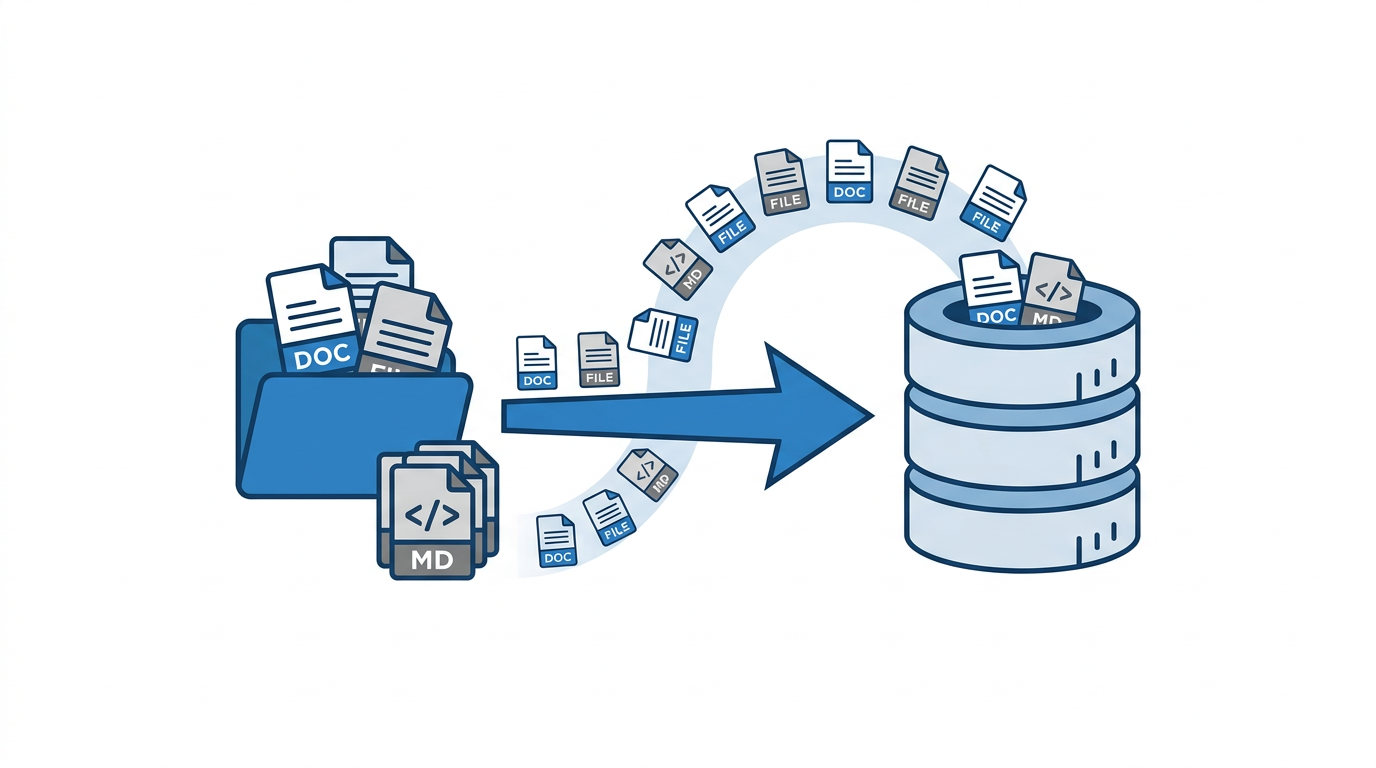
I built a local RAG system a few weeks ago. Files dropped on a NAS share get picked up by a watcher, embedded via Gemini, and stored in pgvector. Claude Code searches it through an MCP tool. The architecture works. But the workflow had an awkward step: to save a doc, I had to write it to disk first.
The flow was: write content in Claude Code, save to /mnt/nas/RAG/, wait for the watcher to pick it up, confirm it was ingested, then the file was gone. Functional, but annoying. A file appeared, got used as a staging area, and disappeared. The whole thing felt like a workaround.
The real problem was that Obsidian was still in the picture. I had a vault on the NAS with 120 markdown files: runbooks, architecture notes, incident docs, decisions. The watcher would re-ingest them when they changed. So I had two systems doing the same job: Obsidian managing files I could browse, and RAG managing vectors I could search. They drifted. A fix applied in one place wasn’t always applied in the other.
I decided to remove the file layer entirely.
Adding rag_save to the MCP server
The first step was adding a write endpoint to the RAG MCP server. The existing server only had rag_search. I added rag_save:
| |
The title becomes the source_file identifier after slugification. That’s what the upsert uses for deduplication: call rag_save with the same title again and it replaces the old document. No file path needed, no watcher involved.
The function takes an optional event_date parameter, separate from the storage date. When saving an incident doc or a decision from last Tuesday, I can record when the event actually happened. The search results surface that date alongside the similarity score.
The Gradio MCP server exposes this as a second tab alongside the search interface, and the mcp_server=True flag makes it available as an MCP tool automatically.
The migration
Before deleting anything, I verified every Obsidian file was already in RAG or could be searched successfully. Then I ran:
| |
120 files gone. The database has them. The filesystem doesn’t.
The watcher volume also changed. The NAS mount that pointed at the Obsidian vault was removed from docker-compose.yml. The watcher now only monitors /mnt/nas/RAG/ (a temporary drop zone) and the memory files directory. It still has write access to the drop zone so it can delete files after ingestion.
| |
Memory files are the one exception. They live on disk AND in RAG. The watcher re-ingests them when they change but doesn’t delete them. The file version is the structured layer, the vector version is the semantic layer.
What the workflow looks like now
When a session produces something worth keeping (a decision, a runbook, a troubleshooting note), I write it through the MCP tool:
| |
That’s it. No file. The content is embedded and stored. I can search it immediately.
For browsing, there’s a web UI at rag.tomakl.dev (password protected, Cloudflare tunnel). It’s a Gradio app with a search tab and a save tab. The save tab is the same function exposed through HTTP instead of MCP. Useful for adding things manually from a browser when I’m not in a Claude Code session.
The /rag slash command in Claude Code also wires into both operations. /rag search query for retrieval, /rag save title to kick off a save workflow.
What I gave up
No file browser. Obsidian has a tree view, tag filters, graph view, all that. I used approximately none of it. If I need to browse what’s indexed, the web UI has a search box. Close enough.
No offline access. If the Docker stack is down, the docs are inaccessible. The fallback is a query.py script that connects directly to pgvector, but that requires the database at minimum. I have a daily pg_dump to NAS for recovery, but casual browsing requires the service to be up.
No per-file git history. The old Obsidian vault was inside a git repo. Changes were tracked. Now I have pgvector rows. The upsert pattern means old versions are overwritten. I could add a versioning table, but I haven’t needed it yet.
What I gained
No more drift. There’s one source of truth and it’s the database. When I save a doc through rag_save, the thing Claude searches and the thing I wrote are identical. No sync step, no wondering which version is current.
No more staging ceremony. The old flow (write, copy to NAS, wait for watcher, confirm) is gone for normal docs. The watcher still exists for the drop zone, which is useful when I want to ingest a file from another machine. But day-to-day the MCP tool is faster.
It also removed a cognitive category. I used to think in terms of “is this in Obsidian or in RAG?” Now there’s just RAG.
The source type system
One thing that got more useful after the migration is the source_type field. With files, I relied on folder structure for categorization. Now every document has an explicit type: text, runbook, ticket, email, guide, report, decision.
The search results label each match with its type. When I’m looking for something operational, I can tell at a glance whether I’m looking at a runbook or a session note. The similarity score and the type together are usually enough to decide whether a result is relevant.
Decisions get their own type specifically because I want to search “why did we do X” and get a decision document back, not a runbook that happens to mention X in passing. In practice the retrieval isn’t that precise at my corpus size (~320 documents now), but the labels are still useful for reading the results.
Dimensions, briefly
One thing I analyzed during this period: whether to increase the embedding dimensions from 1536 to 3072. Gemini Embedding 2 supports up to 3072. The quality difference is measurable on benchmarks, but at 320 documents with specific queries against internal docs, it’s not noticeable in practice. Sequential scan at this scale is fast regardless of dimension. I stayed at 1536.
If the corpus grows significantly or retrieval quality degrades, it’s a one-line config change plus a re-embed run. The re-embed takes under a minute at the current document count.
The practical result
The RAG system is now the only documentation system. No Obsidian, no separate note-taking app, no docs site to maintain. Claude Code reads from it through MCP, I write to it through MCP, and the web UI is there when I need to look at something from a browser.
The hooks and rules file handle when the assistant searches automatically. It runs rag_search at the start of any session that touches internal infrastructure. Session summaries land in the memory directory, get re-ingested by the watcher, and surface in future sessions. The loop is closed.
It’s a simple system. Four Docker containers, one pgvector database, two MCP tools. The complexity is in the content, not the infrastructure.