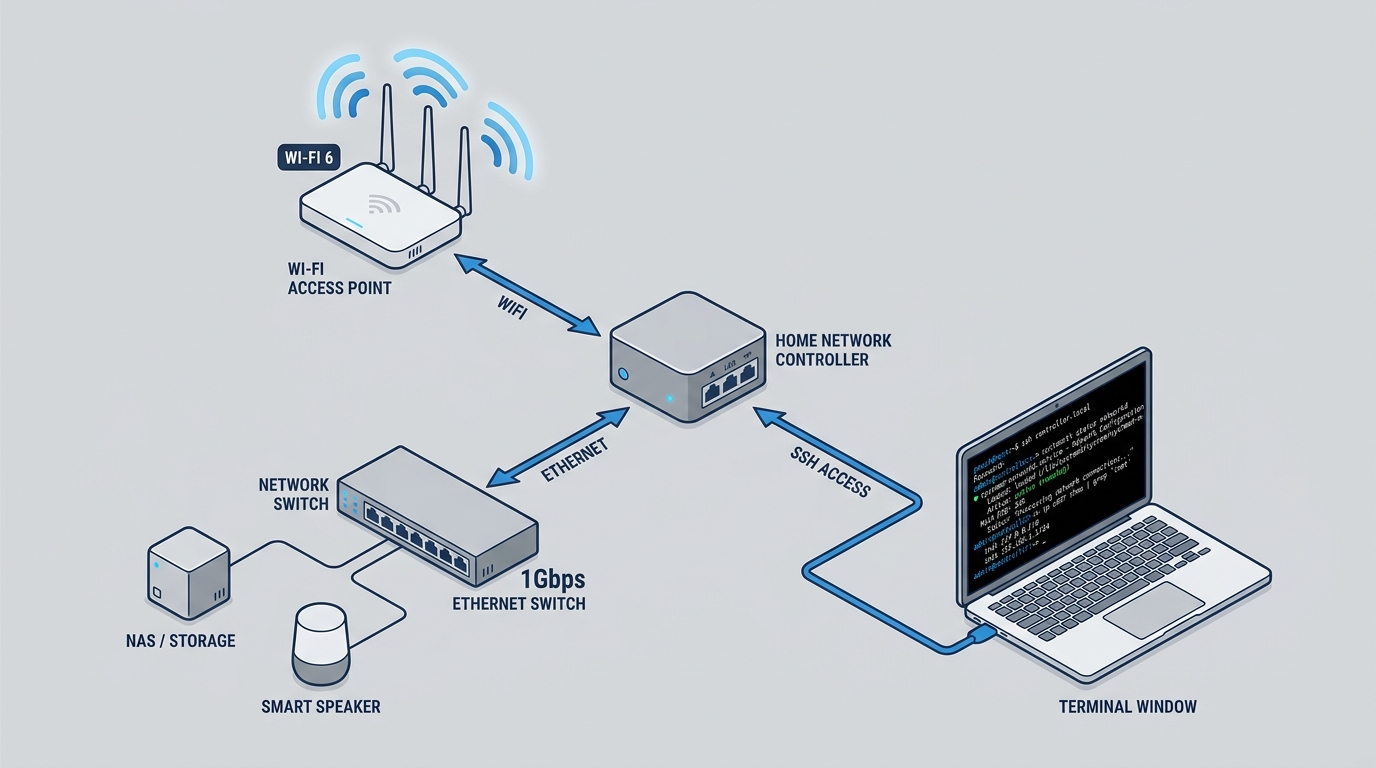
I’ve been slowly wiring every service on the home network into Claude Code as its own agent, the same way I did with devops commands at work. The network controller was next on the list, mostly because I got tired of opening a phone app just to see why the wifi felt slow, or to block a device that decided 2am was a good time to sync 40GB of photos.
The hardware behind it
The controller here isn’t TP-Link’s dedicated hardware box, the OC200. It’s a Wyse ZX0 thin client, a machine originally built to boot a remote desktop session and nothing else, now running Omada’s self-hosted software controller (currently version 5.15.x). The rest of the network is unremarkable: two EAP650-Desktop access points, one in the living room and one in the bedroom, an ER605 gateway, and an ES216G switch, all managed from a single site in the controller.
Repurposing an old thin client as a controller host is the kind of thing that only makes sense once you already own an old thin client doing nothing. It idles at almost no power draw and its only job is to sit there and answer API calls.
Why the app wasn’t enough
Omada’s app and web UI are fine for occasional configuration. What they don’t give you is a fast way to ask “who’s on the network right now” without unlocking a phone, tapping through three screens, and waiting for a spinner. And they definitely don’t give you a way to turn “check if a firmware update is available” into a habit instead of a one-off chore you forget about for months.
Omada does ship a REST API. It’s not documented for public use, but the calls are standard JSON over HTTPS and the response shapes are consistent enough to reverse from a browser’s network tab in an afternoon.
The authentication dance
Getting a working session takes three steps. First, a request to an info endpoint returns a controller ID, a per-installation identifier that every subsequent path gets namespaced under. Then a login POST with a username and password returns both a session cookie and a CSRF token, and that token has to travel as a header on every call after that. Skip either the cookie or the header and the API just returns an error code instead of data, no useful message attached.
None of this is expensive to redo on every call, but it’s wasteful, so the wrapper script caches the pieces separately: the controller ID for an hour, the session token for 25 minutes, the default site ID until the next login. Credentials themselves live in a local Vault instance rather than sitting in a script, so the script’s first move is always a lookup against Vault before it touches the network at all.
The certificate is self-signed, so every curl call needs the insecure flag. That’s not something I’d accept for anything reachable from outside the LAN, but for a controller talking to itself over a private network, it’s a reasonable trade.
| |
Wrapping the endpoints
Once the auth dance works, the rest is a shell script with one function per action: devices, clients, block, unblock, reboot, warm-restart, firmware-check, and so on, close to sixty of them by now. Each one is a thin jq filter over a raw endpoint response, trimmed down to the fields that are actually useful. The devices endpoint alone returns a wall of nested JSON per access point. The wrapper reduces it to name, status, IP, model, firmware version, and uptime, and translates the numeric status codes into words: 14 means connected, 0 means disconnected, anything else is pending. Omada’s own dashboard could stand to do the same.
For anything not covered by a named action, there’s a raw wrapper that takes a method and a path. I’ve needed it maybe twice, mostly while poking at endpoints whose shape isn’t stable enough to justify a permanent function.
One quirk worth writing down: MAC addresses have to be passed with dashes and uppercase letters. Colons or lowercase just silently fail to match anything. Nothing in the API tells you this. You find out by getting an empty result back for a device you know is connected.
Turning it into an agent
The script by itself is already useful from a terminal. Making it a Claude Code agent means I can ask in plain language and get the same output, and have Claude pick which of the sixty actions actually answers the question instead of me remembering the right one. The agent definition restricts its tools to running commands and reading files, nothing that writes anything, and runs on the cheapest available model, since parsing a JSON list into a table isn’t a task that benefits from a bigger one.
The agent’s own instructions carry the same rule this blog’s hooks post talks about for anything destructive: confirm before blocking a client, confirm before rebooting a device, confirm before a firmware upgrade. In practice that means the agent tells me exactly which command it’s about to run and I say yes or no. It doesn’t decide on its own that a device looks suspicious and quietly block it. That decision stays mine. The agent just makes it fast to check and fast to act on once I’ve actually said yes.
What it’s actually good for
Day to day, it’s mostly quick lookups. “Who’s on the network” instead of opening an app. “Is the bedroom access point still up” after a power blip. “Any firmware updates pending” every couple of weeks, followed by an actual yes or no from me before anything ships to a device that’s currently working fine. None of this is dramatic. It just moves a five-tap phone task into a one-line terminal question, which turns out to matter more than I expected, mostly because the friction of the old way meant I just didn’t check as often.
The rest of the Claude Code setup has a similar shape: mundane services, wrapped in scripts, exposed as agents with narrow tool access and a confirmation gate on anything that changes state. The network controller was just the next box on that list to get the treatment.