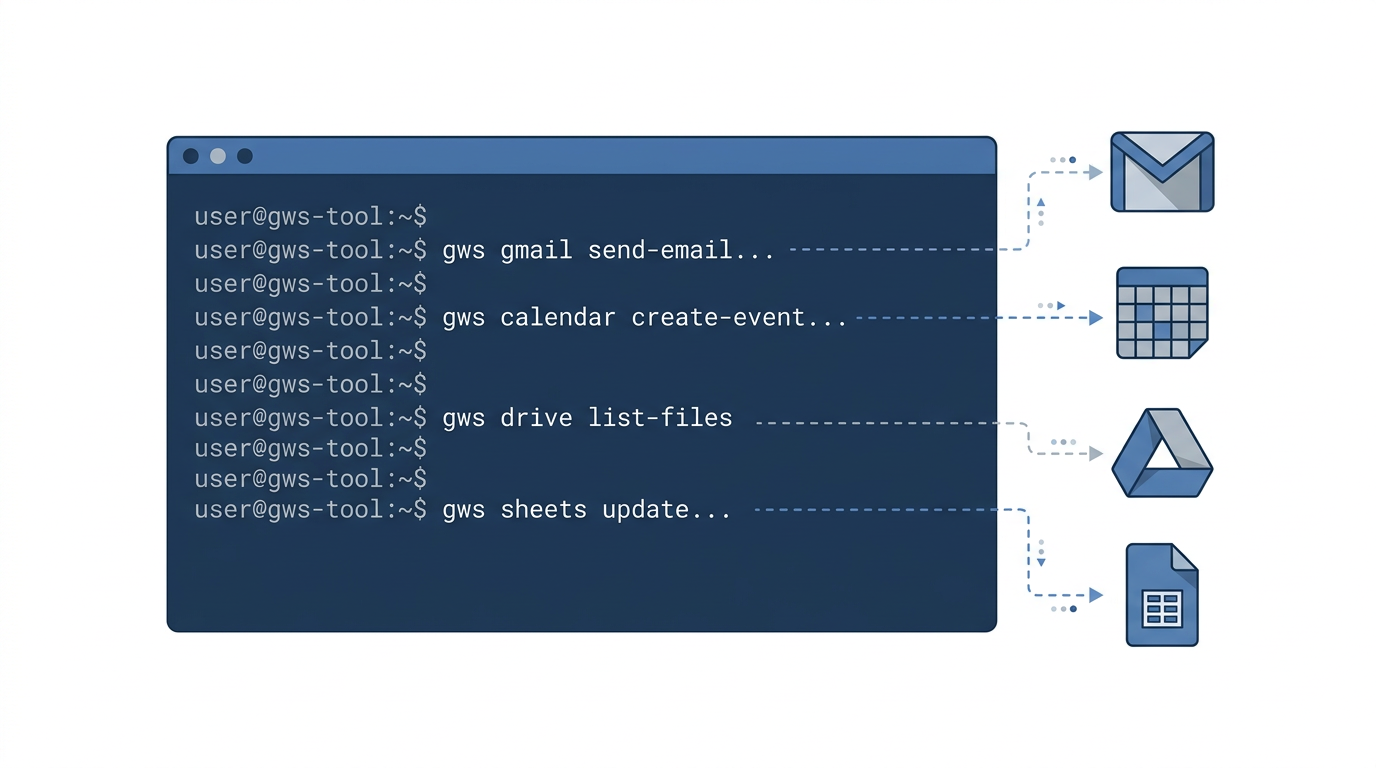
I have been meaning to fix the Google Workspace situation in my Claude Code setup for a while. I had a Gmail MCP server and a Google Calendar MCP server wired up through claude.ai’s hosted offering. Both worked, sort of. But they came with all the usual MCP overhead: two more servers to start, two more config entries to maintain, two more potential points of failure. And neither gave me particularly clean output for automation.
Today I replaced both with a single CLI called gws. It is one of those installs where you spend ten minutes setting it up and immediately wonder why you did not do it sooner.
What gws actually is
gws is the Google Workspace CLI from the Google Workspace GitHub org. The core idea is unusual: rather than hand-coding wrappers for each API, it reads the Google Discovery Service at startup and builds all its commands dynamically. Every service Google publishes through the Discovery API, gws can call.
That means the command structure maps directly to the API:
| |
So gws gmail users messages list is exactly the Gmail API’s messages.list endpoint. gws drive files get is Drive’s files.get. No guessing about naming conventions, no undocumented methods. If the API has it, the CLI has it.
Services it covers: Gmail, Calendar, Drive, Sheets, Docs, Tasks, People, Chat, Slides, Forms, Keep, Meet, and a handful more. All returning structured JSON by default.
The version I installed today is 0.9.1. Pre-1.0, but it handles everything I have thrown at it.
Why this matters for Claude Code specifically
Claude Code’s value multiplies when it can actually act on things. Reading code, writing code, that’s straightforward. But “check if I have anything important in my inbox” or “add a reminder to my calendar” require external access.
The MCP approach works, but it adds a layer. Every MCP server is a separate process that needs to start, authenticate, maintain a connection, and expose a tool schema. You configure it in .mcp.json, you maintain the credentials separately, you debug server startup when something goes wrong. It’s fine for one or two servers covering unique capabilities. For Google Workspace specifically, where you just want to call an API, it’s more ceremony than the task deserves.
With gws, the call is just a bash command. And bash commands in Claude Code are first-class. They run immediately, return JSON to stdout, and can be chained with jq for any shaping you need. There is no MCP schema to negotiate, no server startup latency. The auto-approve hook pattern I use already handles bash commands from trusted tools.
Here is what that looks like in practice. An inbox triage that would have required an MCP tool call is now:
| |
Output is a table of unread messages with date, sender, ID, and subject. Readable by a human, parseable by Claude.
The helper commands
The raw API surface is useful for automation, but the +command helpers are where day-to-day work happens. These are pre-built workflows that handle the boilerplate so you don’t have to.
Gmail helpers:
| |
The +reply helper is particularly good. Threading email replies correctly in raw Gmail API calls requires setting three headers manually. The helper does that for you.
Calendar helpers:
| |
Drive helpers:
| |
Sheets helpers:
| |
For anything outside what the helpers cover, the raw API endpoints are one command away.
Setting it up
The setup has three parts: install, authenticate, and configure credentials for permanent use.
Install
| |
That puts gws on your PATH. Check it worked:
| |
Create an OAuth client
You need a Google Cloud project with a configured OAuth2 client. The steps:
- Create or open a project in Google Cloud Console
- Enable the APIs you want (Gmail API, Calendar API, Drive API, Sheets API, Docs API, Tasks API)
- Go to APIs & Services > Credentials
- Create an OAuth 2.0 Client ID, type “Desktop app”
- Download the JSON
Save the downloaded JSON as ~/.config/gws/client_secret.json. The directory may need creating:
| |
The token exchange
This is the one step that isn’t automatic. Because you’re running on a server (or anywhere without a browser pointing at localhost), the standard OAuth redirect won’t work.
| |
Open that URL in a browser. Authorize access. Google redirects to http://localhost:PORT/... with a code parameter. That redirect will fail (nothing is listening), but the URL in your browser’s address bar has the code you need.
Copy the full redirect URL from the address bar. Then exchange the code manually:
| |
gws saves the credentials to ~/.config/gws/credentials.json. Done.
This manual exchange step is a one-time setup. After that, gws handles token refresh automatically.
Lock down the credentials file
The credentials file has access to your Google account. Back it up to Vault:
| |
Replacing the MCP servers
Before today, my .mcp.json had entries for mcp__claude_ai_Gmail__* and mcp__claude_ai_Google_Calendar__* through the claude.ai MCP integration. Those are gone now.
The Gmail MCP exposed tools like gmail_list_messages, gmail_read_message, gmail_search_messages, gmail_create_draft. The Calendar MCP exposed gcal_list_events, gcal_create_event, gcal_get_event. All of that is now bash.
Why is bash better here? A few reasons.
The output format is more predictable. MCP tool output is structured for Claude’s consumption but not always ideal for chaining with other commands. gws outputs clean JSON you can pipe to jq for any transformation.
The permission model is simpler. I already have a hooks-based auto-approve pattern for trusted bash commands. No need to configure separate MCP approval rules for Google operations.
There is no server startup. MCP servers add latency at session start. gws runs on demand.
The scope is broader. If I need a Sheets operation, it’s the same CLI. Same for Docs, Tasks, Drive. The MCP servers covered only the services they were explicitly built for. gws covers everything Google exposes.
I added the key gws commands to my hooks auto-approve rules so Claude can use them without prompts during sessions. gws gmail +triage, gws calendar +agenda, gws sheets +read all run without asking. Writes like +send and +insert get a confirmation step.
What this enables
The combination of structured JSON output and bash-friendliness means Claude Code can now orchestrate Google Workspace as part of larger workflows without any MCP plumbing.
A few things I have already used since setting it up today:
| |
The invoice tracking one is the most satisfying. I have a sheet that logs every invoice I receive. Previously getting data in or out required the Rube MCP or manual browser work. Now it is a one-liner.
The Discovery Service angle
One detail worth mentioning: because gws is dynamically built from the Discovery Service, it is not frozen at a snapshot of the API. When Google adds new endpoints or parameters, gws picks them up. You can also inspect what any endpoint expects before calling it:
| |
That prints the full JSON schema for the request body. For writing the --json payload on complex calls, this is much faster than reading the API docs.
What it does not replace
gws handles API calls. It does not replace the Rube MCP for LinkedIn operations (different product entirely) or any of the other MCP servers I run for Jira, Tavily, or Trigger.dev. Those cover capabilities that don’t have a simple CLI equivalent.
And for Google Workspace operations that require browser interaction or OAuth flows on behalf of other users, gws is not the right tool. It authenticates as you, for your account. That covers the vast majority of what I actually do with Claude Code.
For anything that needs the raw API, gws schema plus the --json and --params flags get you there. It is slightly more verbose than a dedicated MCP tool, but you never run out of coverage.
The setup post that covers how all of this fits together is The 120-file Claude Code developer workbench. The hooks that make auto-approval safe are in Claude Code hooks: building a safety layer. If you’re new to MCP and wondering what I replaced, What is MCP and how to set it up in Claude Code covers the protocol basics.