I spent the last few days turning an internal document-search tool into a small commercial product. The tool itself was already done: a RAG and knowledge-graph search engine over a town’s public council documents, resolutions, ordinances, session protocols, the kind of thing a town’s IT person or secretary would use instead of digging through a BIP archive by hand. The product wrapper was a landing page, a lead-capture chat widget, and a cold email to a handful of nearby town councils.
None of that was the hard part. The hard part was getting kontakt@ to send an email.
The account was more locked down than it looked
The domain’s mailbox runs on Google Workspace, and it turns out this particular account has some extra restrictions baked in that I never fully got to the bottom of. Everything about setting it up looked identical to a normal Workspace account right up until I needed it to actually send mail programmatically.
First attempt: App Passwords. Standard stuff, Google killed basic username/password auth for IMAP/SMTP back in 2022, and the modern fallback for anything that can’t do OAuth is a per-app password, gated behind 2-Step Verification. So: turn on 2FA, go to the app passwords page, generate one.
Except the page said “The setting you’re looking for isn’t available on your account.” Even with 2FA fully enabled. I went down the usual troubleshooting path: check the admin console’s 2-Step Verification policy, confirm “Allow users to turn on 2-Step Verification” is on, confirm the verification method isn’t locked to security-keys-only (which disables app passwords by design). All of it checked out. The setting still never appeared.
Turns out this is a known, if under-documented, restriction: some Workspace accounts simply don’t expose App Passwords, full stop, independent of any admin toggle. Not a bug, just a wall.
Plan B: do it properly with OAuth2
Fine. App Passwords are a legacy escape hatch anyway. The actual supported way to send mail as a Workspace user from a backend script is the Gmail API with a service account and domain-wide delegation: create a Google Cloud project, enable the Gmail API, create a service account, hand its client ID to the admin console with the gmail.send scope, done.
Blocked at step one. Google Cloud Platform access itself was switched off for this account, gated behind Admin Console → Apps → Additional Google services, and the toggle that’s supposed to turn it back on doesn’t do anything either. No Cloud Platform access, no service account, no Gmail API.
Two supported paths, two dead ends, before I’d sent a single test email.
The thing that actually worked
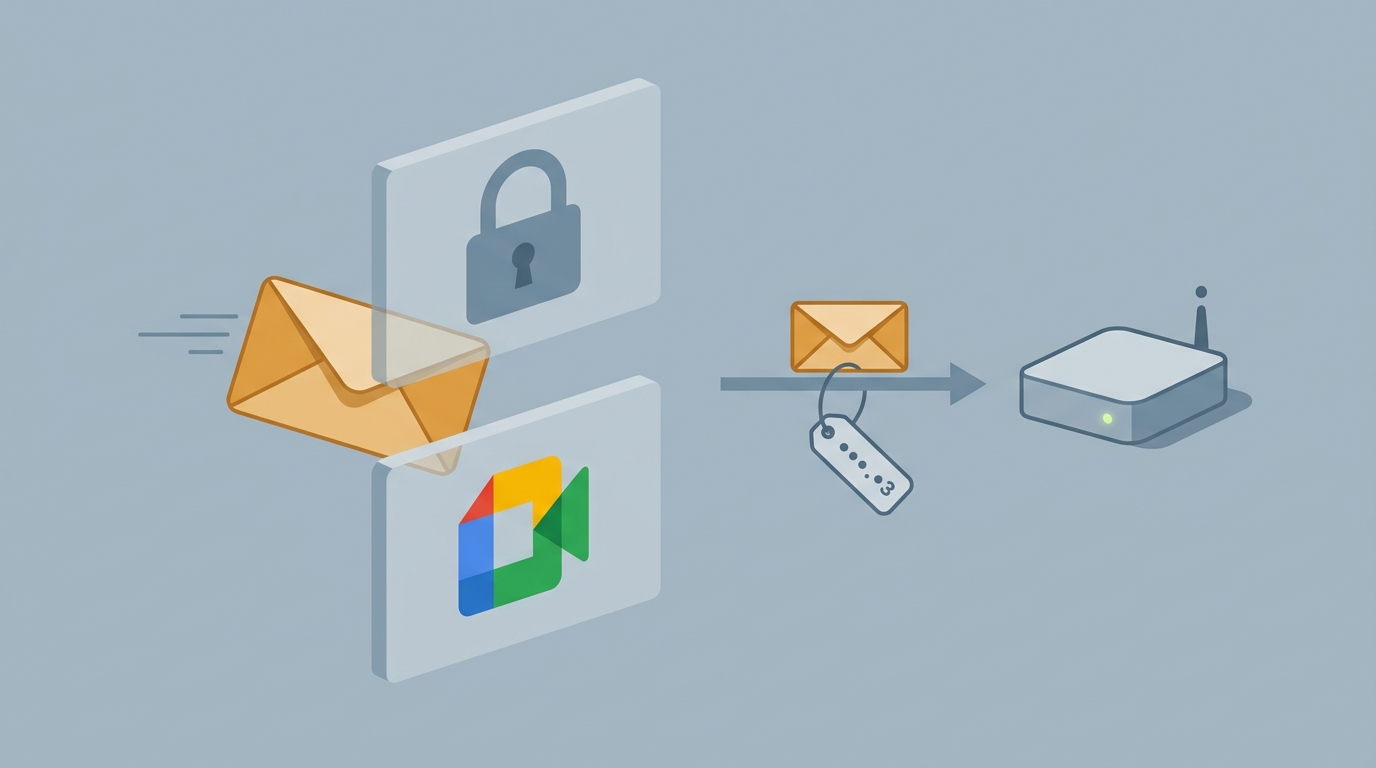
Google Workspace has an SMTP relay service, originally built for scanners and multifunction printers, the kind of device that can speak SMTP but has no concept of OAuth or a login prompt. It authenticates by allowlisting a sending IP address in the admin console instead of a username and password.
Configure it: Admin Console → Apps → Google Workspace → Gmail → Routing → SMTP relay service. Allowed senders restricted to the domain’s own addresses, authentication set to “only accept mail from the specified IP addresses” with the server’s public IP added, and “require SMTP authentication” turned off since there is no working password to hand it anyway. Connect to smtp-relay.gmail.com:587, STARTTLS, no login at all, and the mail goes out as kontakt@ the domain.
It works. It is also a genuinely strange feeling to configure a mail server with zero credentials and watch it succeed.
Two footnotes from actually using it:
- Mail sent through the relay never shows up in that account’s own Sent folder. There’s no authenticated Gmail session behind the send, so Gmail has nothing to file it under. The workaround is a plain BCC to the sending address on every message, which at least puts a copy somewhere visible.
- The very first real email sent this way got hard-rejected by one small town council’s mail server as spam, citing a score high enough to make the point unambiguously. The domain was two days old and had no SPF record at all. Added
v=spf1 include:_spf.google.com ~all, confirmed DKIM was already configured from the Workspace setup wizard, and the second attempt landed fine.
Cold email versus nobody asking
With the mail problem solved, the actual outreach was almost anticlimactic: a short, specific email to eleven town councils in one region, three concrete questions about how they currently search old resolutions, an offer for a no-pressure demo scoped to a single year of their own documents. Where a council’s public staff directory listed an IT person directly, it went to them by name. Where it didn’t, it went to the general office inbox.
Zero replies by the end of the week. One bounce, the spam-score one, fixed and not repeated.
Meanwhile, completely unprompted, the original tool, the one nobody was marketing, the one still quietly running for the town it was built for, picked up several new real visitors over an eleven-hour stretch. Specific, well-formed questions: a resident asking what the actual property tax rate was, someone checking which resolutions covered aid for Ukraine, a question about which council votes hadn’t been unanimous and who dissented. Nobody sent them there. No campaign, no link, no referral header pointing anywhere at all in most cases.
The eleven emails got silence. The tool nobody was selling got real questions from real people. I don’t have a tidy lesson to hang on that, other than that it’s a better signal than any reply rate would have been.
The bug the monitoring caused
One more thing broke on the way, and it’s the kind of failure that’s almost funny in hindsight. While fixing an unrelated gap, an advertised “syncs every night” feature that had, in fact, never actually been scheduled, I added the missing cron job along with a small status table and an HTTP endpoint an external scheduler could poll to confirm the sync ran.
The very first scheduled run failed. Not from anything in the sync logic. An rsync had copied the sync script from a local working copy that had lost its executable bit somewhere along the way, silently stripping the same bit off the server’s copy. Cron tried to run it, got Permission denied, and the script’s own error handling never got a chance to fire, because the shell couldn’t even start executing it. The monitoring built to catch failures didn’t catch this one directly. It caught it by staying silent when it should have reported success, which is really the same thing, just one indirection removed.
Fixed the permission, committed the file mode this time so git actually tracks it, and moved on.
None of this took as long as it sounds. All of it took longer than it should have.