In the previous post I covered the devops commands: multi-agent diagnostics, deployment pipelines, client-specific runbooks. Ambitious stuff. I said the Toggl category was coming, described as “completely different in character” and with a warning that some of the commands are “almost embarrassing to show.”
That was honest. Here they are.
Why wrap a time tracking API at all
I track time in Toggl. It’s a habit from client work where billable hours mattered, and I’ve kept it even for internal projects because it tells me where days actually go versus where I think they go. The answer is usually uncomfortable.
The problem with Toggl’s web UI is that it’s another tab. You’re deep in a debugging session, you fix the problem, you alt-tab to the browser, click the stop button, start a new timer, type the description, switch back. The interruption is small and the habit breaks anyway.
The API is the alternative. Toggl has a decent REST API. Everything I do in the UI, I can do with a curl call. So I put the curl calls in command files.
The tool restriction in the frontmatter matters here (I covered how frontmatter works in the custom commands post):
| |
Locking the command to curl only means Claude can’t go off and do something unexpected with the broader toolset. It’s a constraint that also serves as documentation: this command does one thing, via one mechanism.
The simple ones
Five of the eight commands are one API call wrapped in instructions. I promised they were almost embarrassing, so here they are.
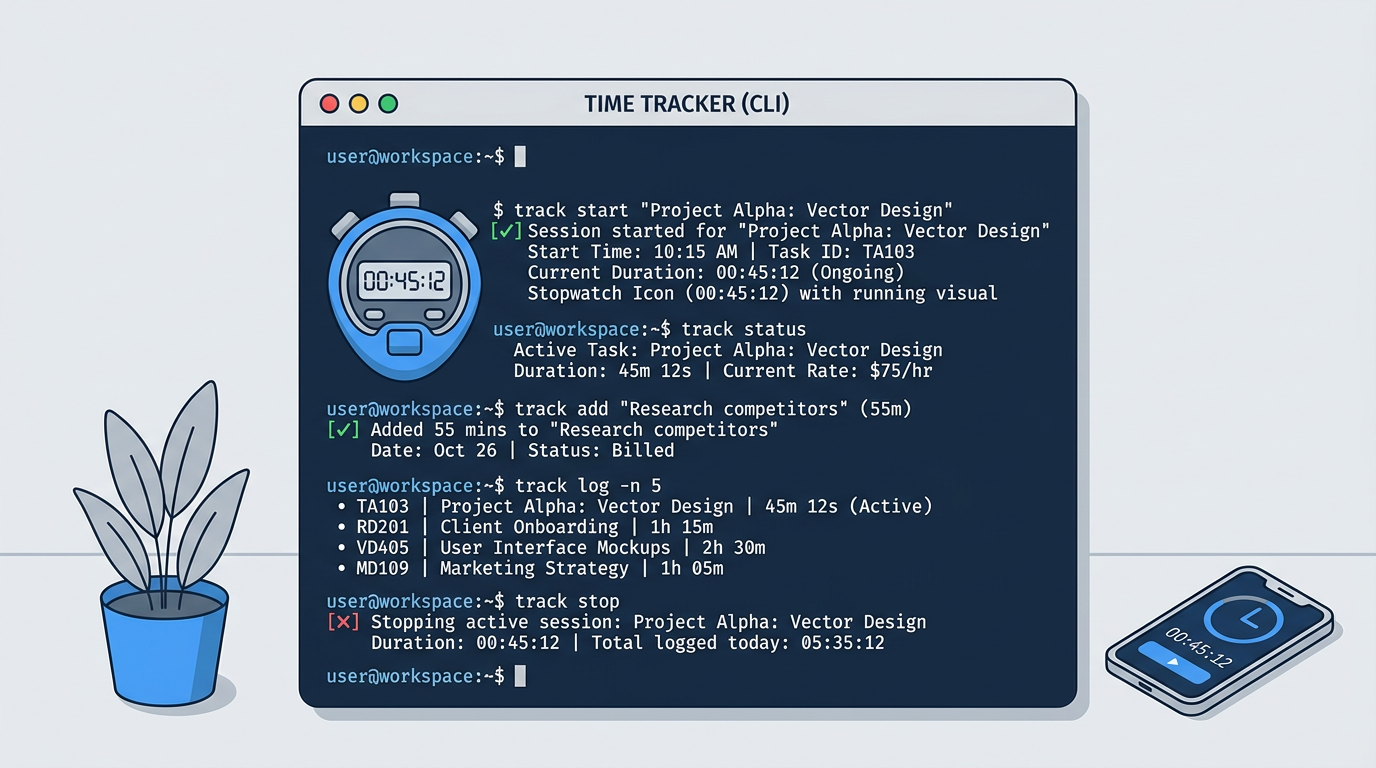
/toggl:current asks the Toggl API for the running timer and shows the description and elapsed time. That’s it.
/toggl:stop gets the current timer ID, calls the stop endpoint, shows you how long it ran.
/toggl:start [description] starts a new entry with the text you pass. The API payload looks like:
| |
The duration: -1 is Toggl’s way of saying “still running.” A finished entry has a positive integer. The commands handle this so I don’t have to remember it.
/toggl:update [new description] changes the description of the running timer. Useful when you started a timer as “looking at that thing” and then the task became something real.
/toggl:describe [entry_id] [description] updates a past entry. You get the ID from /toggl:list.
These five are thin wrappers. They save me the alt-tab and the browser context switch. Not much more than that.
The ones that do something
/toggl:setup is the credential bootstrapper. It asks for your API token, hits GET /me to validate it, extracts the workspace ID from the response, and writes both to ~/.toggl_config. Every other command reads from there.
This is two API calls and some file writing, but it only runs once. After setup, everything else just works.
/toggl:list [days] and /toggl:summary [days] are where it gets mildly interesting.
list fetches all entries for the last N days (default 7) and formats them as a table: ID, description, duration, start time. The duration display handles the duration: -1 case and shows “Running” instead of a negative number. Small thing, but the raw API value is useless as output.
summary does the same fetch but aggregates: total time tracked, per-description breakdown if you ran the same entry type multiple times. Running /toggl:summary 30 before sending an invoice is part of my end-of-month routine. It tells me if I’ve tracked enough hours and which tasks they went to.
Where the gap shows up
The devops commands are 150 lines. The Toggl commands are 15 lines average. The devops commands coordinate multiple agents, parse complex output, and have confirmation gates before any destructive action. The Toggl commands call one API endpoint and format the response.
The complexity difference is just the domain. Toggl’s API is clean, forgiving, and the operations are inherently low-stakes. You can’t really break anything. Starting a timer doesn’t require a confirmation gate. Stopping one doesn’t need a pre-flight check.
The devops commands replaced documents. The Toggl commands replaced a browser tab. Both are worth having, but they’re solving different problems. The Toggl ones aren’t impressive. They just remove friction.
I use /toggl:start probably fifteen times a day. I never think about it. That’s the goal.
The config pattern
One thing the Toggl setup introduced that I’ve reused elsewhere: writing configuration to a file in the home directory rather than asking for credentials every time.
| |
Every Toggl command reads this file at the start. If it’s missing, the error message tells you to run /toggl:setup. This is a simple dependency chain that works without any state in Claude Code itself.
The alternative is hardcoding credentials in the command files, which is obviously wrong, or asking the user every time, which defeats the purpose. A config file in the home directory is the boring correct answer.
The honest version
I could pretend these commands are part of some grand unified workflow. They’re not. They’re eight small files that make calling a REST API slightly more convenient than opening a browser tab.
What’s actually useful is having them in the same interface as everything else. That’s the point I made in the setup overview: everything lives in one place. When I’m in a Claude Code session debugging something, I can /toggl:start Debugging auth issue without leaving the terminal, fix the problem, and /toggl:stop when I’m done. The context stays in one place.
That’s it. No multi-agent orchestration. No reasoning strategy. Just curl calls in markdown files.
Next
The content commands are the ones I use most outside of devops work: /humanize, /translate, /extract-wisdom, /youtube-summary. Those have more going on than Toggl. Some use reasoning strategies explicitly, one spawns subagents to keep the main context clean. Worth a separate post.