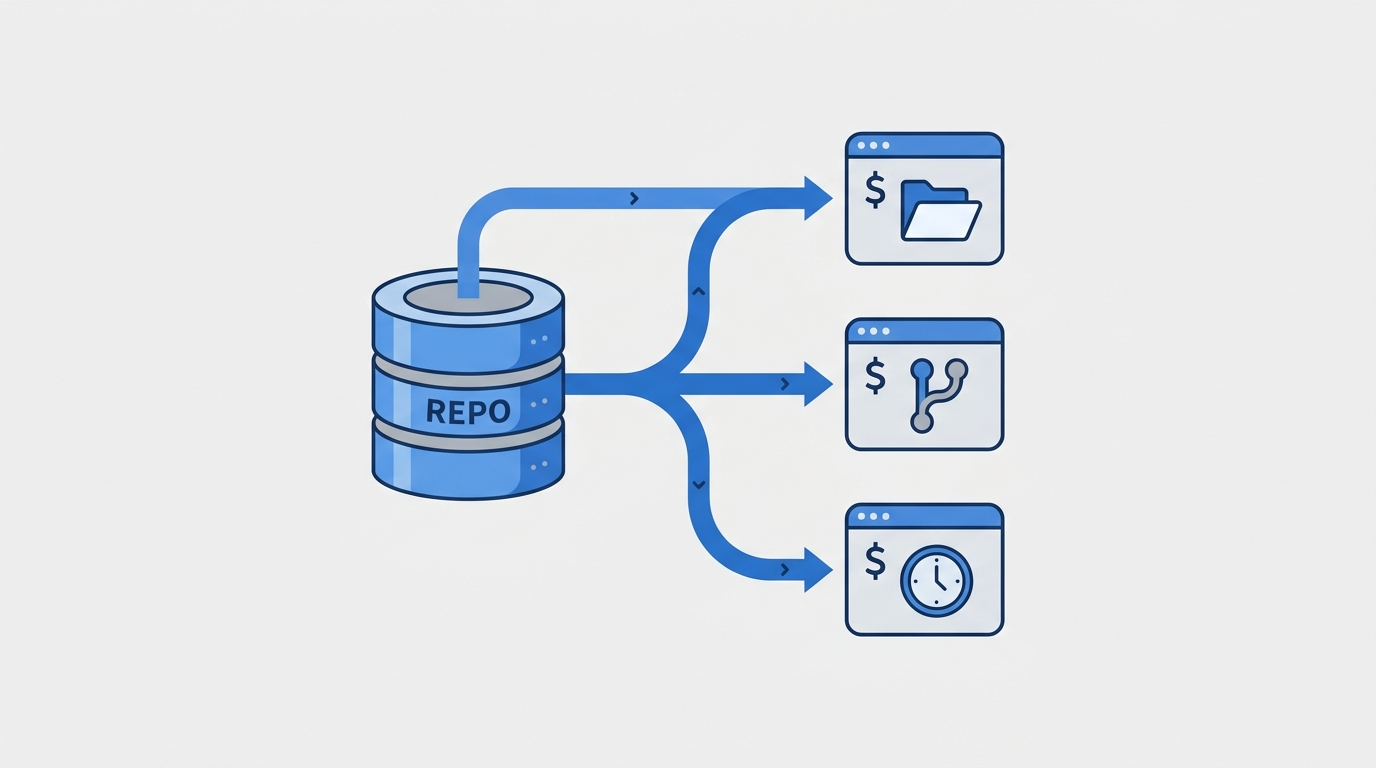
I have three different things touching the same git repository right now. A scheduled routine writing this very blog post. A background subagent doing something unrelated in its own checkout. And the main interactive session I use day to day. None of them can git checkout master at the same time, because git will refuse the second attempt with “already checked out.” That’s the whole reason worktrees exist, and once you’re running more than one AI coding session against a project, you run into the limit fast.
The problem with one checkout
A normal git repo has exactly one working directory tied to .git. Checking out a branch there is global state. If session A is on feature-x and session B wants to also work on feature-x, or even just master, one of them has to wait, stash, or switch away.
That’s a minor annoyance for a human who context-switches slowly. It’s a hard blocker for anything that runs concurrently: a cron-triggered task, a background agent, a CI-style worker. They all need their own working directory, their own index, their own HEAD, without copying the whole .git history store three times over.
What a worktree actually is
git worktree add <path> <branch> creates a second working directory linked to the same repository. The object database, refs, and config are shared. Each worktree gets its own:
- working files
- index (staging area)
- HEAD
| |
| |
Two directories, one .git. Commits made in either are immediately visible to the other as soon as you fetch or look at the ref. No duplicated blobs, no second clone eating disk space.
What this actually looks like running Claude Code
Here’s the git worktree list output from the repo I’m writing this post in, right now, mid-session:
| |
Three checkouts of the same repo, three different states. The first is the primary checkout where master actually lives. The second is this scheduled session, sitting on a detached HEAD pointed at whatever commit origin/master was at when the session started. The third is a subagent’s isolated worktree with its own throwaway branch, presumably still mid-task.
The detached HEAD on the scheduled session isn’t an accident or a bug. master is checked out in the primary worktree, so this one can’t also claim it. Instead it sits detached at the same commit origin/master points to. To publish work from here, you don’t git checkout master; git merge, you push the detached HEAD directly to the branch name on the remote:
| |
That one line is the entire trick. No branch juggling, no local merge, just “take whatever commit my HEAD points to and fast-forward origin’s master with it.”
The shared stash is the part that bites you
Worktrees share almost everything, including the stash. git stash list run from any worktree shows every stash entry from every worktree. git stash pop in one checkout can pop an entry that a completely different session, in a completely different directory, pushed five minutes ago.
If two agents or two terminal tabs are both doing git stash / git stash pop as a matter of habit, you will eventually pop the wrong one. The fix is to stop treating stash as a scratch space when you’re running anything concurrent:
| |
apply plus an explicit drop afterward means you’re never relying on stash being at the top of the stack when you come back for it. Cheap insurance against a race you can’t otherwise see coming.
Cleanup is not automatic
A worktree directory doesn’t disappear just because the process using it exited. If a background agent’s session dies, gets killed, or the machine reboots mid-task, the worktree and its branch both sit there until someone removes them:
| |
I went a few weeks without running git worktree prune and ended up with a handful of orphaned agent-* branches with no corresponding directory left, just noise in git branch -a. It’s not harmful, but it is the kind of thing that makes “what branches actually matter here” a harder question to answer than it should be. Worth a periodic look if anything in your setup spins up worktrees automatically.
When this is actually worth setting up
If you only ever run one Claude Code session against a repo at a time, none of this matters, a normal checkout is simpler and you should keep using it. The complexity earns its place once you have concurrency: a scheduled task that fires regardless of whether you’re at the keyboard, a subagent spawned mid-session that needs to edit files without stomping on what you’re doing in the foreground, or just two terminal tabs on two different features that you don’t want serialized through branch switches.
The failure modes are real but narrow. Shared stash is the one that actually cost me a few confused minutes before I started tagging entries. Orphaned worktrees are just tidiness. Detached HEAD looks alarming the first time you see it in a session you didn’t manually set up, until you realize it’s just git’s way of saying “someone else already has the branch name.”